
Cronitor started out as a cron and heartbeat monitor, but over time, it's grown into a broader monit 2026-7-23 12:20:17 Author: hackernoon.com(查看原文) 阅读量:1 收藏
Cronitor started out as a cron and heartbeat monitor, but over time, it's grown into a broader monitoring platform. That kind of monitoring isn't tied to any one language. What makes Cronitor stand out is that it's schedule-aware. It parses your cron expression and treats a missed run, a late start, an early finish, an overrun, and a non-zero exit code as separate events. On top of that, it now features uptime checks, real user monitoring (RUM), and status pages.
Still, its per-monitor and per-user pricing can get expensive as you scale. It also doesn't include built-in on-call management, which is why you may want to consider a few alternatives. The five options below are listed alphabetically, not ranked in any particular order. 🙂
AppSignal's Process Monitoring feature tracks cron jobs and background processes with cron and heartbeat Monitors, and a companion Wrap tool, appsignal-wrap, can wrap any process to report to those Monitors without a single code change, whatever it's written in. We also have a CLI and MCP tools to help people monitor their processes.
TL;DR: Cronitor is strong at schedule-aware cron monitoring, but its per-monitor and per-user pricing and no built-in on-call could make you look elsewhere.
Quick Comparison Table
|
Tool |
Type |
Self-hosted |
Free tier |
Best for |
|---|---|---|---|---|
|
Managed APM |
No |
50K requests/month, 1GB logging, 5-day retention |
Folding cron checks into full app observability | |
|
Uptime + incident |
No |
Yes |
Cron alerts feeding on-call and logs | |
|
Synthetic monitoring |
No |
Yes |
Teams managing their monitors as code | |
|
Open-source cron |
Yes |
Yes |
A cron-specific monitor you can self-host | |
|
Budget uptime |
No |
Yes |
Lowest-cost basic heartbeat checks |
What You Should Look for in a Cronitor Alternative
When you look at their feature lists, most cron monitoring tools look pretty similar. That’s why it helps to evaluate using consistent criteria. This is what we focused on:
- Alert coverage: Which failure modes does it catch natively (missed runs, late starts, early finishes, overruns, and non-zero exit codes)?
- Schedule awareness: Does it understands cron expressions, or does it just expect a ping at a fixed interval?
- Integration breadth: Does it integrate with
crontabandcurl, language SDKs, and sources like Kubernetes CronJobs, GitHub Actions, and Vercel or Render cron? - Adjacent monitoring: Does it also cover uptime monitoring, error tracking, logs, and status pages?
- Setup and workflow: How long does it take before the first check? Does it feature setup helpers, or does it require manual config?
- Incident handling: Does it send routing alerts only, or does it also include built-in on-call and escalation?
- Hosting: Is it available as a managed service only, or can it also be self-hosted?
AppSignal
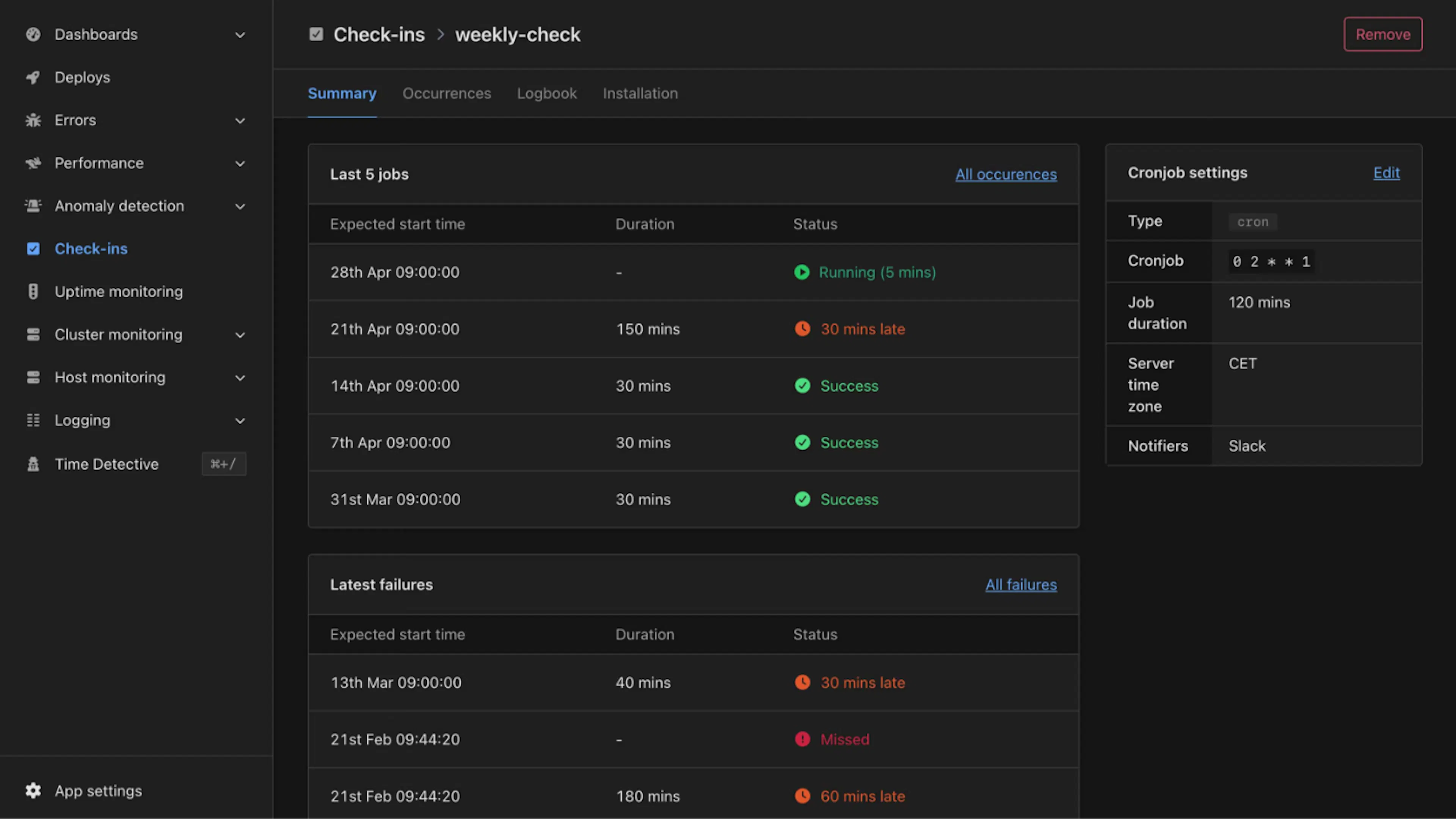 AppSignal’s Process Monitoring dashboard
AppSignal is an application performance monitoring (APM) suite that covers errors, performance, host metrics, logs, and uptime. It handles cron and heartbeat monitoring through process monitoring. A cron Monitor takes a crontab schedule and a maximum runtime, while a heartbeat Monitor tracks a continuously running process. Besides this, AppSignal offers Wrap, a tool that allows you to monitor any process on your server by appending a command in front of it.
Why consider it over Cronitor:
- Cron monitoring inside full observability: A failed occurrence sits right next to the logs and errors from that run. You get a full picture and concrete reasons why something happened without switching tools.
- Schedule-aware and language-agnostic: Cron Process Monitors use crontab syntax. Helpers cover Ruby, Node.js, Python, and Elixir, while the
appsignal-wrapwraps any process on a server. - One subscription: Monitors are included in every plan, so cron monitoring doesn’t come as a separate charge on top of your APM.
- Route alerts to external notifiers: Route to tools such as PagerDuty and OpsGenie.
Best for: Small to mid-sized teams already running an app that would benefit from error, performance, log, and cron monitoring in one place.
Trade-offs: AppSignal doesn’t match Cronitor's cron-specific depth, such as crontab auto-import or duration anomaly baselines. Plus, it’s hosted only.
Better Stack
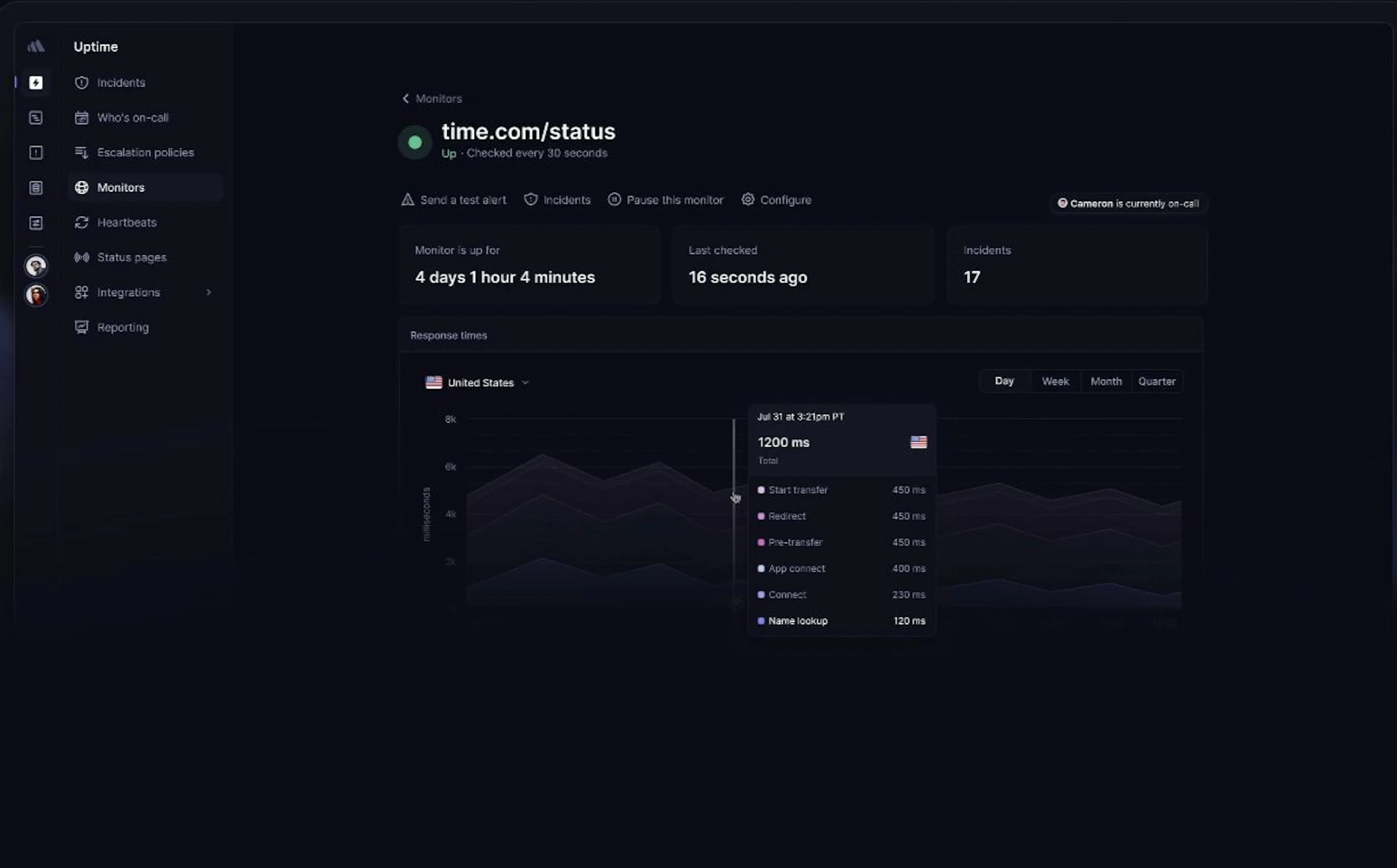 Better Stack status report
Better Stack combines uptime, heartbeat (cron) monitoring, logs, incident management, on-call scheduling, and status pages. Though it’s much cheaper than tools like Datadog, it comes with a wide range of features. Plus, it’s AI-native.
Why consider it over Cronitor:
- Built-in on-call, not just routing: Better Stack fills the gap Cronitor has left wide open. On paid plans, it includes on-call scheduling and escalation, so a failed job can page someone if nobody has acknowledged it.
- Failures linked to logs: A cron alert links directly to correlated logs and the on-call schedule, since monitoring and logging live in the same space.
- Decent free tier: It includes 10 monitors and 10 heartbeats with a status page.
Best for: Teams that want cron alerts to feed a real incident workflow, with on-call, escalation, and logs in a single tool.
Trade-offs: On-call, escalation, and phone or SMS alerts are included only in paid responder plans, and pricing combines monitor packs, heartbeat packs, and per-responder licenses. Better Stack is hosted only, as well, and its heartbeats are ping-and-grace, unlike Cronitor's duration-based analytics.
Checkly
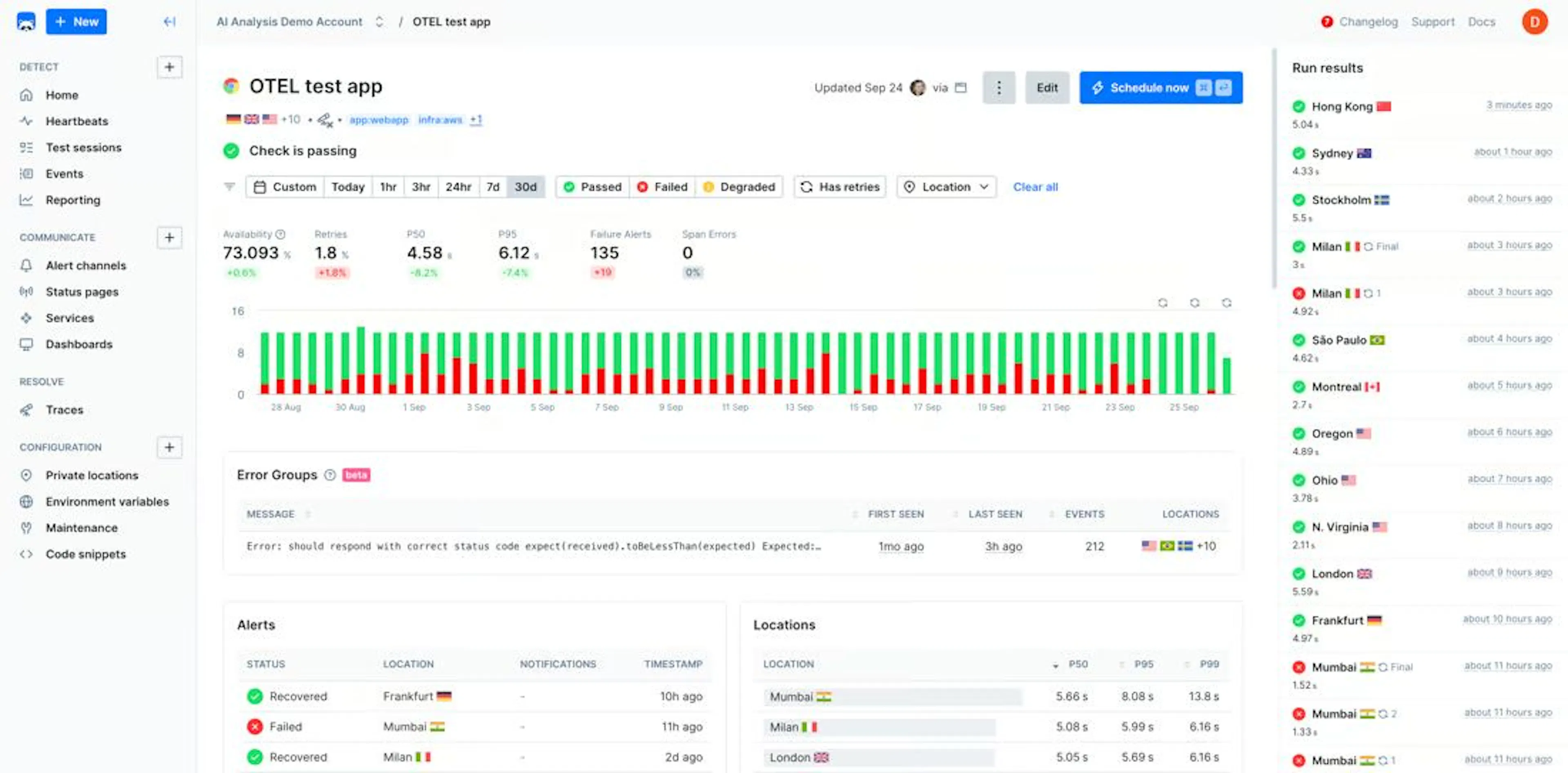 Checkly’s heartbeat monitor defined in code
Checkly is a synthetic monitoring platform built around monitoring as code. It includes API and Playwright browser checks, along with heartbeat monitors for scheduled jobs. These heartbeat monitors set an expected period and grace window for each ping and trigger an alert if it doesn’t arrive on time.
Why consider it over Cronitor:
- Monitoring as code: Heartbeats are defined with Checkly CLI, Terraform, or Pulumi, so cron monitoring lives in version control.
- Cron checks beside synthetic checks: If you’re already running API and browser checks in Checkly, heartbeats keep scheduled job monitoring in the same place.
- Simple ping integration: Any job that can make an HTTP request can send a ping, covering crontab, GitHub Actions, Heroku and Render cron, and CI pipelines.
Best for: Developer teams that already manage monitoring as code and want heartbeats alongside their synthetic checks.
Trade-offs: Heartbeats are period-and-grace, with no cron-expression parsing or duration and exit-code tracking. A passive ping only shows that a job did not finish, not why. There is also no on-call, and the platform is hosted only, too.
Healthchecks.io
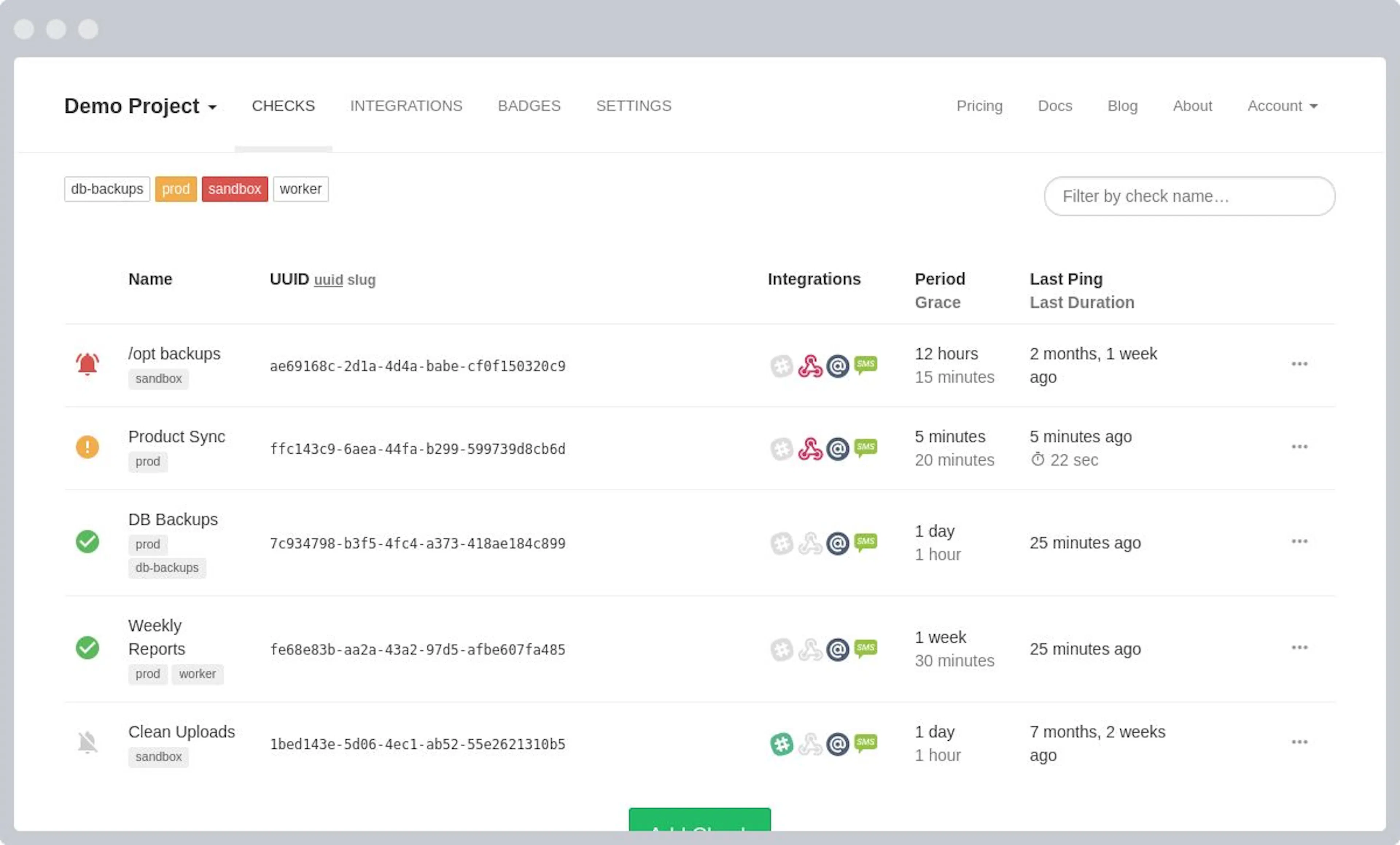 Healthchecks.io keeps cron monitoring to one focused job
Healthchecks.io is an open-source cron monitor that focuses on one thing: watching for pings from your scheduled tasks and alerting you when one of them is late. Checks use either a period and grace time or a cron expression with a timezone.
Why consider it over Cronitor:
- Self-hosting and data control: The source is open and you can run your own instance. This is particularly important when job data cannot leave your infrastructure or you want to avoid per-monitor billing.
- Schedule-aware: Checks can use a cron expression with a timezone, not just a flat interval.
- Wide source coverage and a real free tier: It supports crontab, systemd timers, Kubernetes CronJobs, GitHub workflows, and more. The hosted free plan also includes 20 checks.
Best for: Teams that want a focused cron monitoring tool and either prefer open source or need to self-host.
Trade-offs: Healthchecks.io focuses solely on heartbeat monitoring, with no uptime, errors, performance, or real user monitoring (RUM), so other tools need to be used for these purposes. There is no built-in on-call, and self-hosting means you’re responsible for maintaining the instance yourself.
UptimeRobot
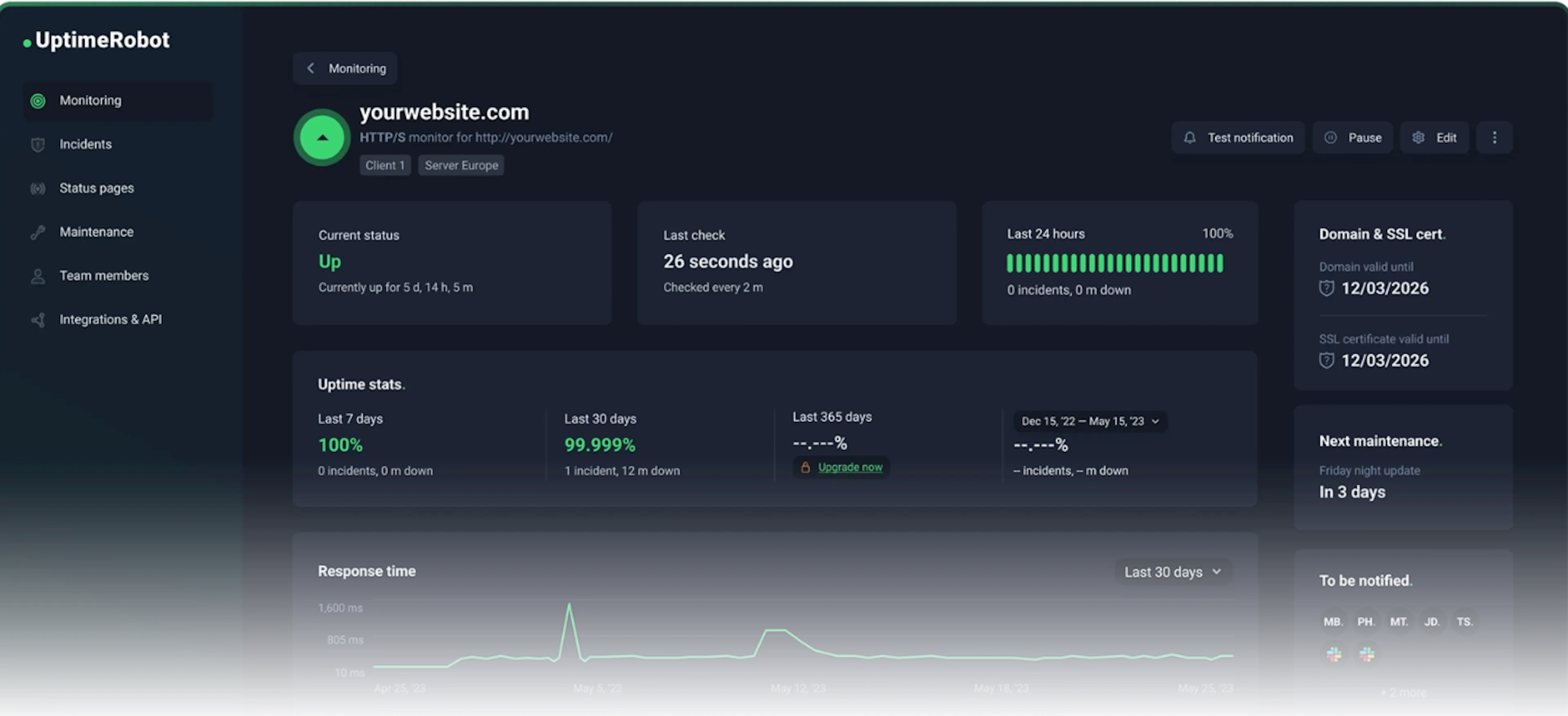 Monitoring with UptimeRobot
UptimeRobot is a long-running, budget-friendly uptime service that also offers heartbeat (cron) monitoring. You set an expected interval and grace period and ping a unique URL at the end of your job. It’s popular with smaller teams, but large organizations use it, too. Even NASA.
Why consider it over Cronitor:
- Low cost at volume: The free plan covers 50 monitors, including heartbeats, which is more than what the majority of tools offer.
- Cron checks alongside uptime monitoring: This is handy if you mainly need "is it up" monitoring alongside a few job heartbeats in a single dashboard.
- Simple ping setup: A heartbeat is just one curl, wget, or PowerShell request, with intervals ranging from one minute up to about a month.
Best for: Freelancers, side projects, and small teams that want the most monitoring per dollar and only need to know whether a job ran.
Trade-offs: Heartbeats are period-and-grace, with no cron expressions, duration tracking, exit-code categorization, or anomaly detection. There is no on-call, diagnostics are limited, and it’s hosted only.
How to Choose
If you want to avoid analysis paralysis, use the table below to help you decide. 👇
|
If you want… |
Consider… |
|---|---|
|
Cron monitoring folded into full app observability |
AppSignal |
|
On-call scheduling and escalation built in |
Better Stack |
|
To manage your monitors as code |
Checkly |
|
Open source or self-hosting | |
|
The lowest-cost basic heartbeat checks |
UptimeRobot |
Next Steps and Resources
The decision is simpler than the feature lists suggest: a focused cron pinger that does one job well, or cron monitoring folded into a tool that already watches the rest of your application. Opting for the solution that handles errors, performance, and logs also removes the need for a separate subscription and keeps the reasons for failure next to the alert.
If you want to try that approach, AppSignal Process Monitoring is available on every plan. The covers the helpers, the API, and the appsignal-wrap tool. You can start a free trial with no credit card.
Frequently Asked Questions (FAQ)
What is the best alternative to Cronitor?
It depends on your needs:
- AppSignal for cron inside an APM
- Better Stack for on-call
- Checkly for monitoring as code
- Healthchecks.io for open source
- UptimeRobot for low cost
Does Cronitor have a free tier?
Yes, it has a limited free plan, with paid plans billed per monitor and per user. The cost scales with your job and user count.
Can I monitor cron jobs without a dedicated cron tool?
Yes. APMs like AppSignal include cron and heartbeat Process Monitors, which keep job alerts next to your errors and logs.
What is the difference between heartbeat and uptime monitoring?
Heartbeat monitoring is passive, so your job pings the tool when it finishes. Uptime monitoring, on the other hand, is active, and the tool checks your endpoint on a schedule.
Is there an open-source alternative to Cronitor?
Yes. Healthchecks.io is open source and self-hostable. This tool mainly focuses on heartbeat monitoring.
Disclaimer: This article is paid content. HackerNoon’s editorial team has reviewed it for clarity and quality standards, but the views, claims, benchmarks, and comparisons expressed are solely those of the sponsor, and HackerNoon assumes no responsibility for third-party assertions contained in sponsored content.
如有侵权请联系:admin#unsafe.sh