
You probably think of your phone’s security the way you think of your front door: as long as you’re downloading apps from the Play Store, you’re safe. And for the most part, that’s true. Google reviews apps before they’re published.
But some apps reach your phone without ever passing through the Play Store.
Take Albiriox, a banking Trojan-as-a-service discovered late last year. It’s an Android Remote Access Trojan (RAT) built for on-device fraud. Instead of simply stealing usernames and passwords, it performs fraudulent transactions directly on the victim’s phone. Researchers found it spreading through apps with generic names like “utility,” “security,” “retailer,” or “investment” that victims didn’t remember installing from the Play Store. Instead, they had been sideloaded, downloaded through links in text messages, or installed from websites outside Google’s review process.
This is exactly the kind of threat Malwarebytes for Android is designed to detect. Here’s a look at the different layers of protection working behind the scenes.
I’d like to thank Malwarebytes Director of Software Development Egor Tashchilin for sharing the technical expertise that helped inform this article.
Catching what never went through the Play Store
Apps installed outside the Play Store never go through Google’s review process. That means they can reach your device without the security checks applied to Play Store apps.
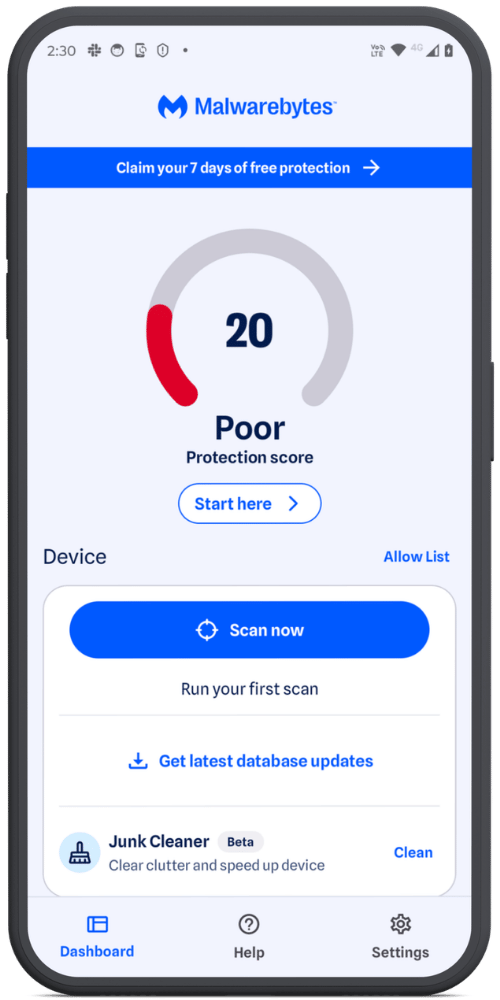
Instead of relying on where an app came from, Malwarebytes scans your device itself, searching for Potentially Unwanted Programs (PUPs) and other malicious files, whether they were sideloaded, bundled with other software, or downloaded through a browser.
Even Play Store apps can turn nasty later
Not every threat starts out malicious.
In one widely reported case, a barcode scanner app with roughly 10 million installs on the Play Store had malicious code added to it that wasn’t present in previous versions. The update used heavy obfuscation to avoid detection and was signed with the same digital certificate as earlier clean versions, so it appeared completely legitimate. Once installed, it caused browsers to open on their own and redirect users to unwanted websites.
A similar pattern has emerged in other Play Store incidents researchers have tracked. Apps are updated with malicious code long after installation as a way to evade detection and avoid raising suspicion.
This is exactly why Real-Time Protection (RTP) doesn’t just watch for new installs—it also reacts to previously unscanned versions of apps you already have. RTP monitors newly installed apps, along with any new or changed files on your device. If an existing app receives a version it hasn’t seen before, RTP treats it as new and scans it, rather than assuming “already installed” means “still safe.”
Looking inside archives, without touching them
Malware doesn’t always sit out in the open, either. Cybercriminals often hide malicious files inside ZIP files and other archives, hoping a security scanner won’t bother looking inside.
Ours does.
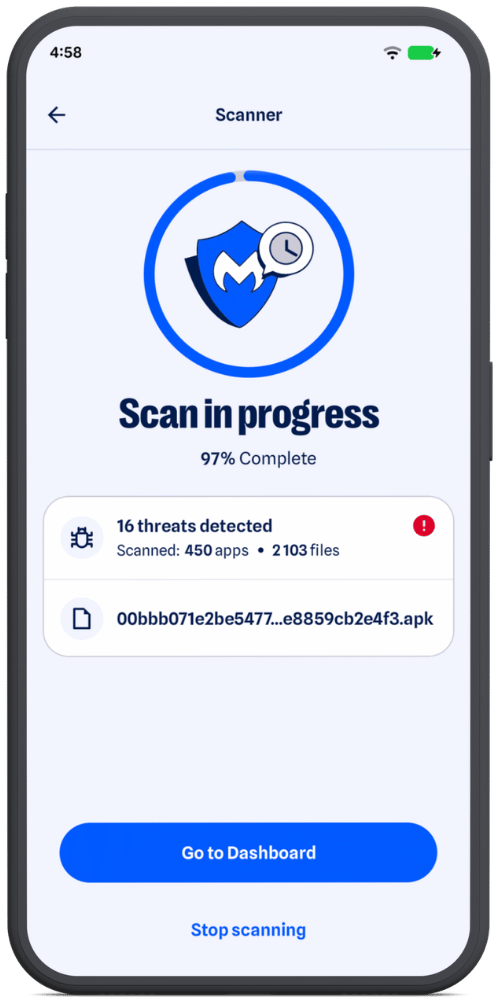
It decompresses archive contents to inspect what’s inside without modifying or altering the original file. The archive is only ever read—we never write anything back to it. If something needs closer inspection, such as a nested archive or an APK’s compiled .dex code, it’s extracted to a temporary sandboxed location and deleted as soon as the scan is complete, so it’s never left on your device.
Archives are not all handled the same way. ZIP files are inspected entry by entry, while APKs receive a deeper analysis of the compiled code they contain. Nested archives are scanned independently too, so malware can’t simply hide one layer deeper.
Scanning deeply, without draining your battery
Analyzing an app in real depth—its code, behavior, and structure—takes processing power. Done carelessly, it can slow your phone and drain the battery.
Malwarebytes is designed to avoid that.
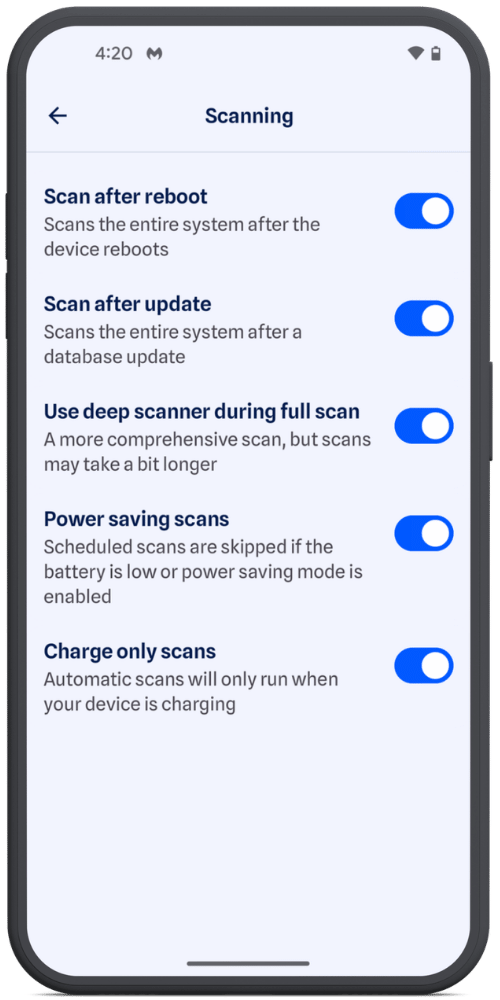
Automatic background scans, such as scheduled scans, scans after an app update, or after a reboot, check your battery conditions before they begin. Depending on your settings, they can wait until your phone is charging or has enough power. Manual Scans always run immediately.
When a scan starts, Malwarebytes automatically adjusts its workload based on your device’s available processing power, allowing more capable devices to process work in parallel without overloading lower-end devices.
A threat database that never sits still
Mobile adware surged in the second half of 2025, while newer banking malware families have become increasingly sophisticated. Some even check whether they’re running on a real phone or inside a security test environment before revealing any malicious behavior.
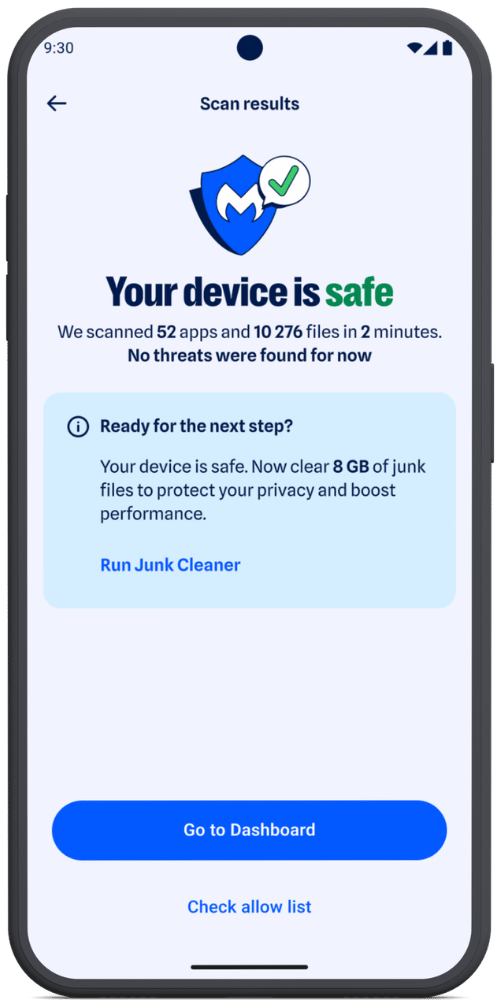
A scanner is only as good as its knowledge of what to look for. That’s why we continuously update our detection database with newly identified and verified threats rather than relying on a static, aging picture of the threat landscape.
More than 10 scanners, working together
Under the hood, Malwarebytes for Android isn’t a single scanning engine. It’s more than 10 specialized scanners, each designed to detect different kinds and levels of threats.
That’s because modern Android malware rarely relies on just one technique. A banking Trojan, for example, may combine abuse of Accessibility Services with fake login screens placed over legitimate banking or cryptocurrency apps.
Some scanners look for known indicators of malicious activity, while others examine an app’s structure, origin, and behavior. Additional layers combine multiple signals and use heuristic analysis to detect more complex or previously unseen threats.
By layering multiple detection methods, a technique that slips past one scanner is more likely to be caught by another.
And we don’t stop there. Our researchers continuously monitor how Android threats evolve and regularly add new detection and protection layers. As attackers develop new techniques and find new places to hide, we’re constantly adapting to stay one step ahead.
Scammers know more about you than you think.
Malwarebytes Mobile Security protects you from phishing, scam texts, malicious sites, and more. With real-time AI-powered Scam Guard built right in.